BeyondERPS · Click2Claim
Spend less time on expenses. Spend more time on the work that pays.
Finance Expense Management used to mean shoeboxes full of receipts, end-of-month chasing, and finance teams glued to spreadsheets. Click2Claim replaces that with a mobile-first capture flow, a clean approval queue, and a clear audit trail — so reimbursements move in days, not weeks.
- Snap a receipt from your phone — OCR fills the form
- Policy rules flag exceptions before they reach finance
- Approvers sign off in one tap from the dashboard
- Exports drop straight into payroll & accounting
How it works
Two workflows. One platform.
Start simple with single-step approvals, then graduate to multi-stage routing as your team grows — no migration, no rebuild.
Basic Version
Single-approver flow
- 1 Expense Capture — Receipt capture via mobile, email or manual entry
- 2 Create Report — Compile expenses into a single report
- 3 Policy Check — Automated checks for compliance
- 4 Submit Report — Send for approval
- 5 Manager Approval — Review and approve or reject
Best for teams under 20 with a flat structure.
Advance Version
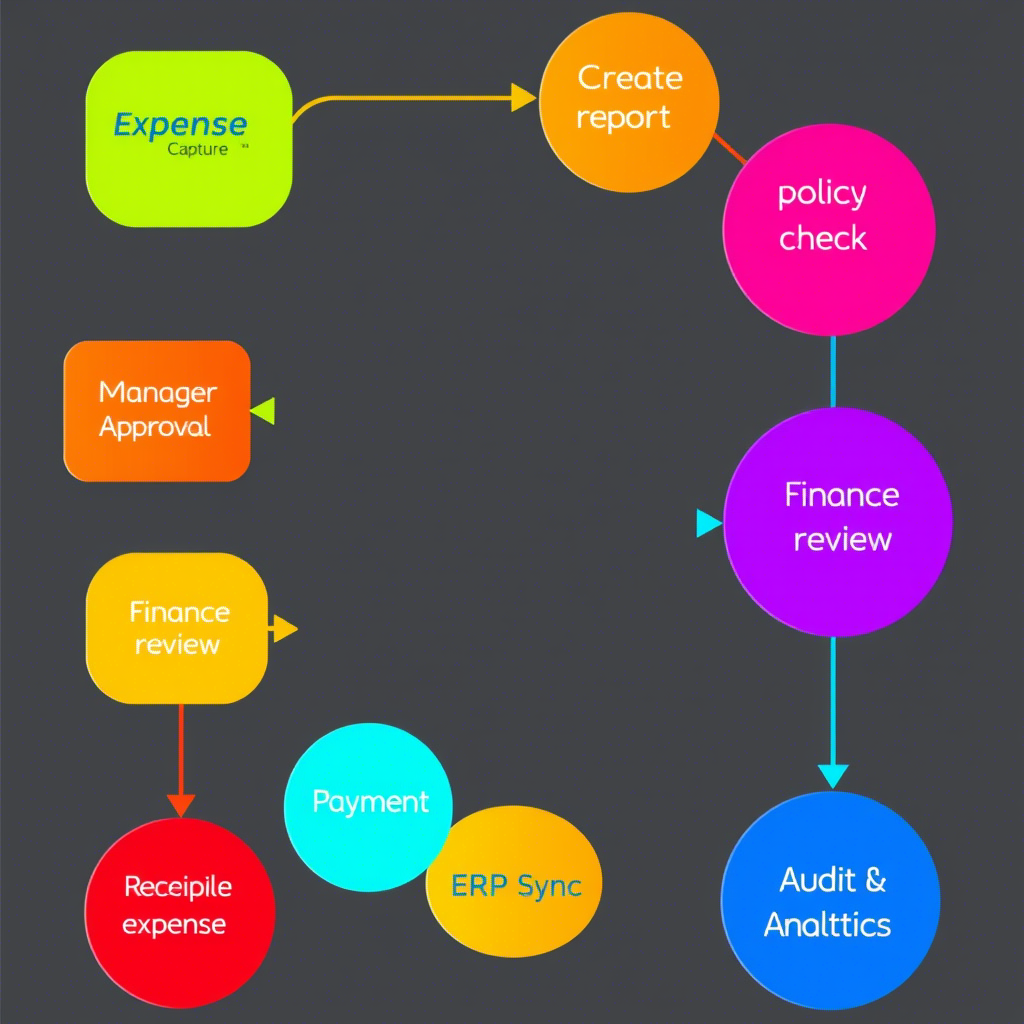
Multi-stage routing
- 1 Expense Capture — Receipt capture via mobile, email or manual entry
- 2 Create Report — Compile expenses into a report
- 3 Policy Check — Automated compliance check
- 4 Submit Report — Send for approval
- 5 Manager Approval — Review & approve
- 6 Finance Review — Final processing and coding
- 7 Payment — Reimburse employee or pay vendor
- 8 ERP Sync — Export data to accounting systems
- 9 Audit & Analytics — Monitor compliance and spend
Designed for departments, cost-centers, and audit-heavy industries.
Inside the app
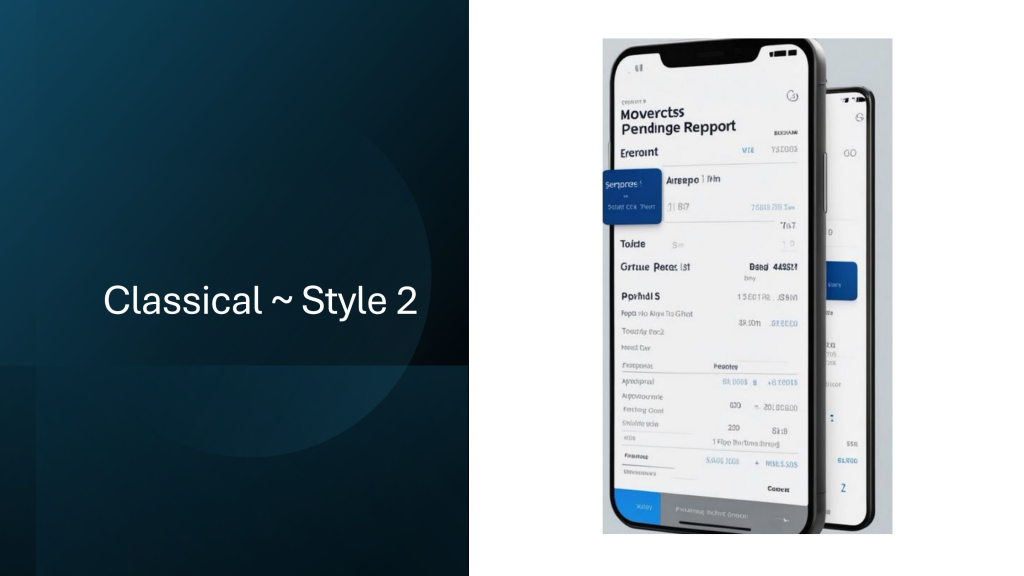
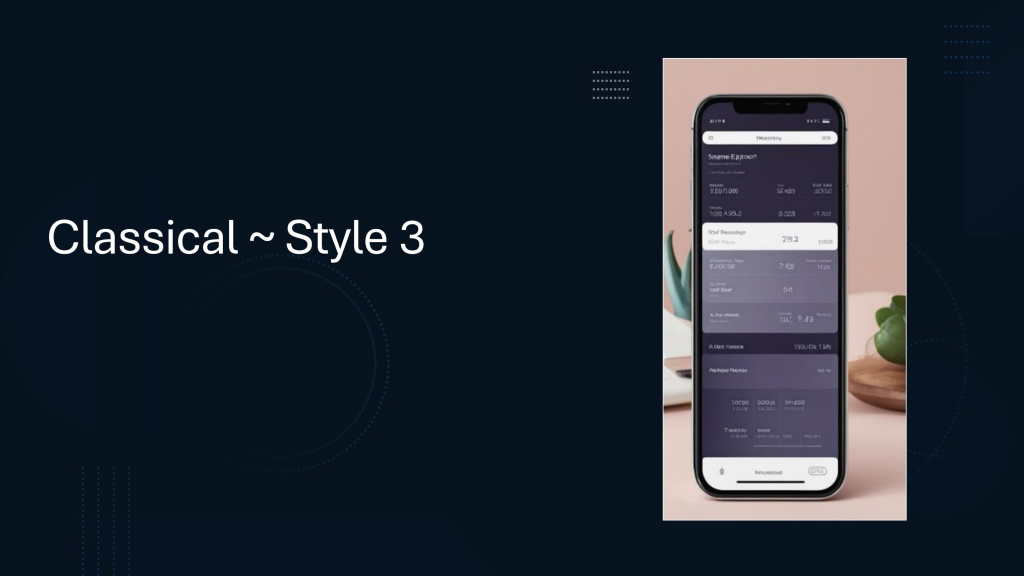
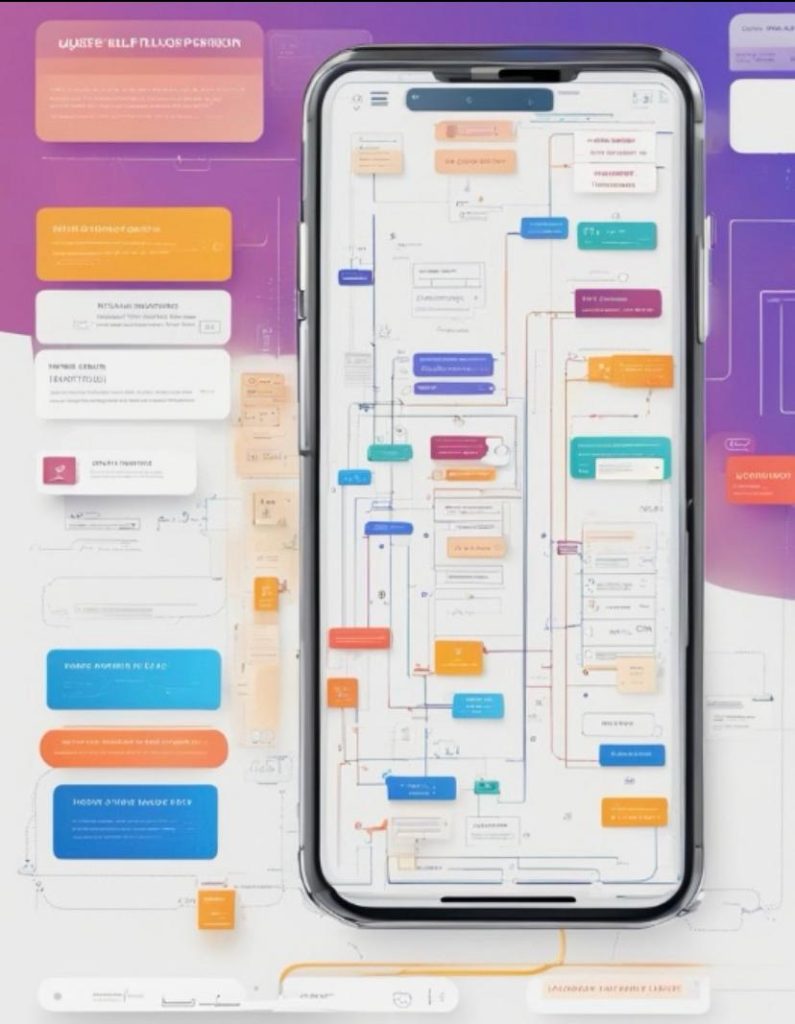
Built for the phone in your pocket.
Every screen is touch-first, offline-tolerant, and designed so a new hire can submit their first claim in under a minute.